Editing properties
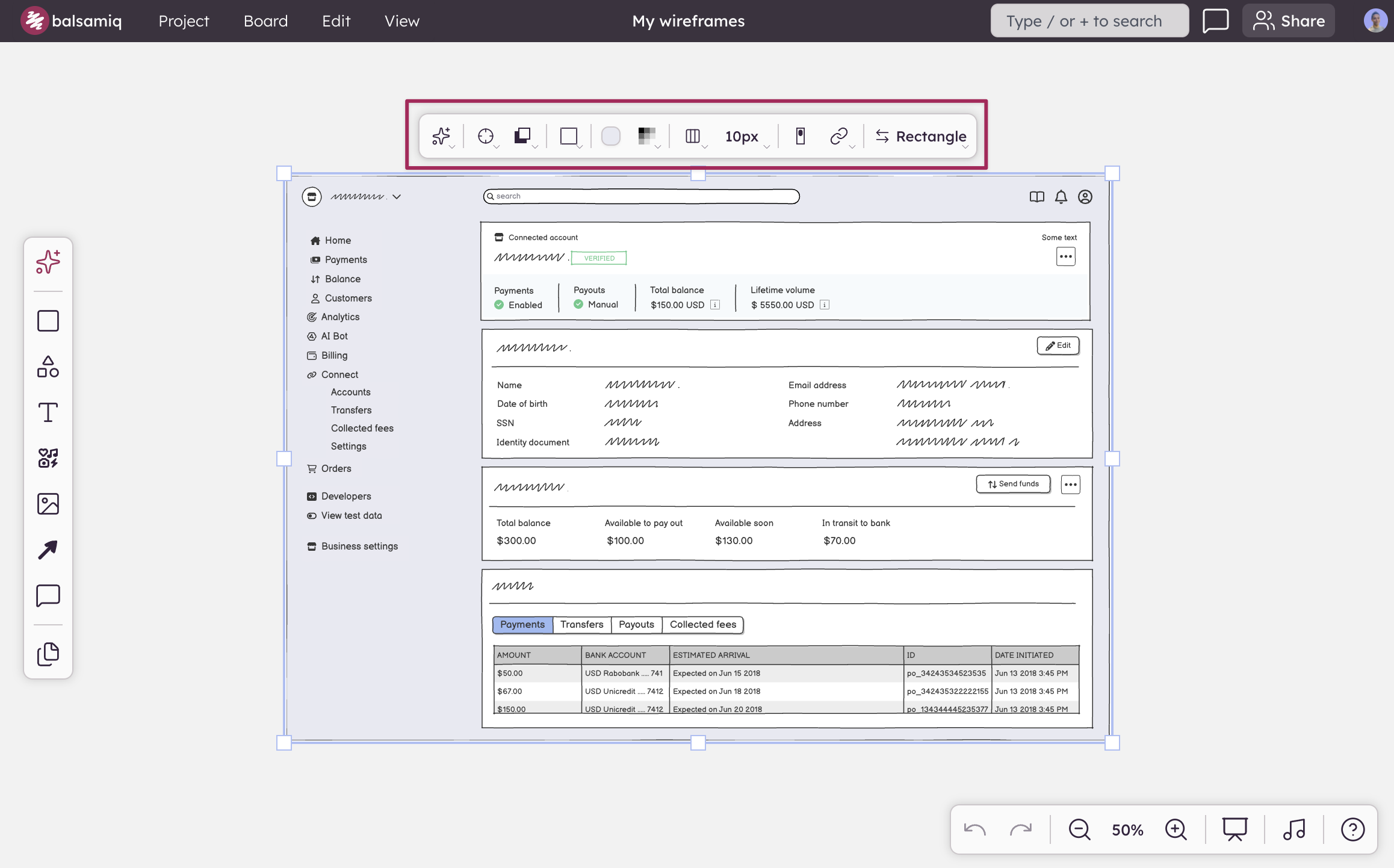
The selection toolbar is a floating toolbar that appears above a selected element. It lets you set common properties such as position and size, as well as settings specific to certain UI elements (text properties, color, linking, etc.). It is available when selecting UI elements, assets, and Components.
The toolbar shows only the controls that are relevant to the selected element — the options change based on what's selected.
If you have multiple UI elements selected, it will show properties that are common to all selected UI elements, as well as alignment controls for distributing the selection.