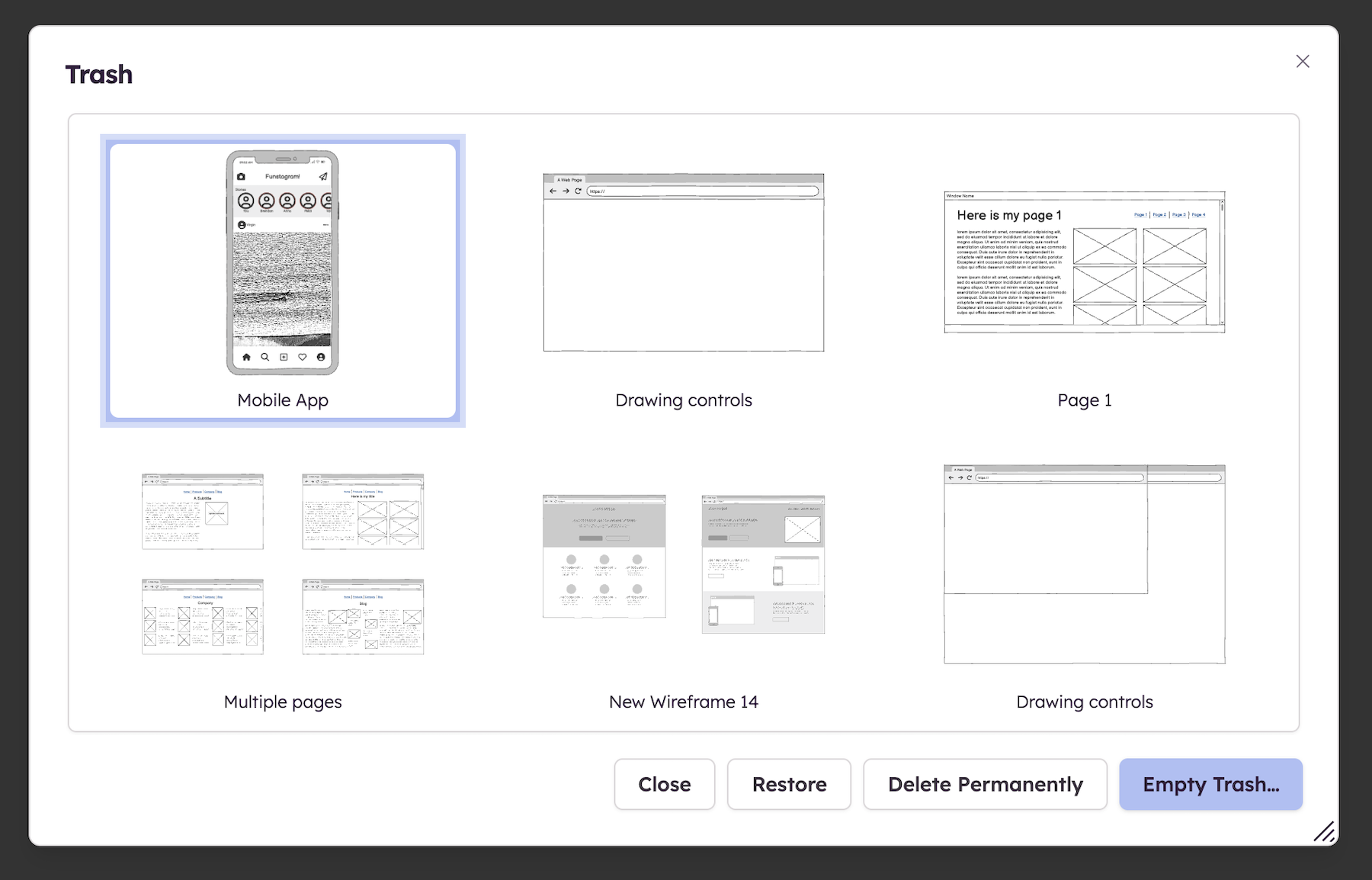
The trash
The Trash is available for the boards, assets, and components you have deleted. This allows to keep your project tidy as you make progress; browsing (and recovering) earlier concepts when needed.
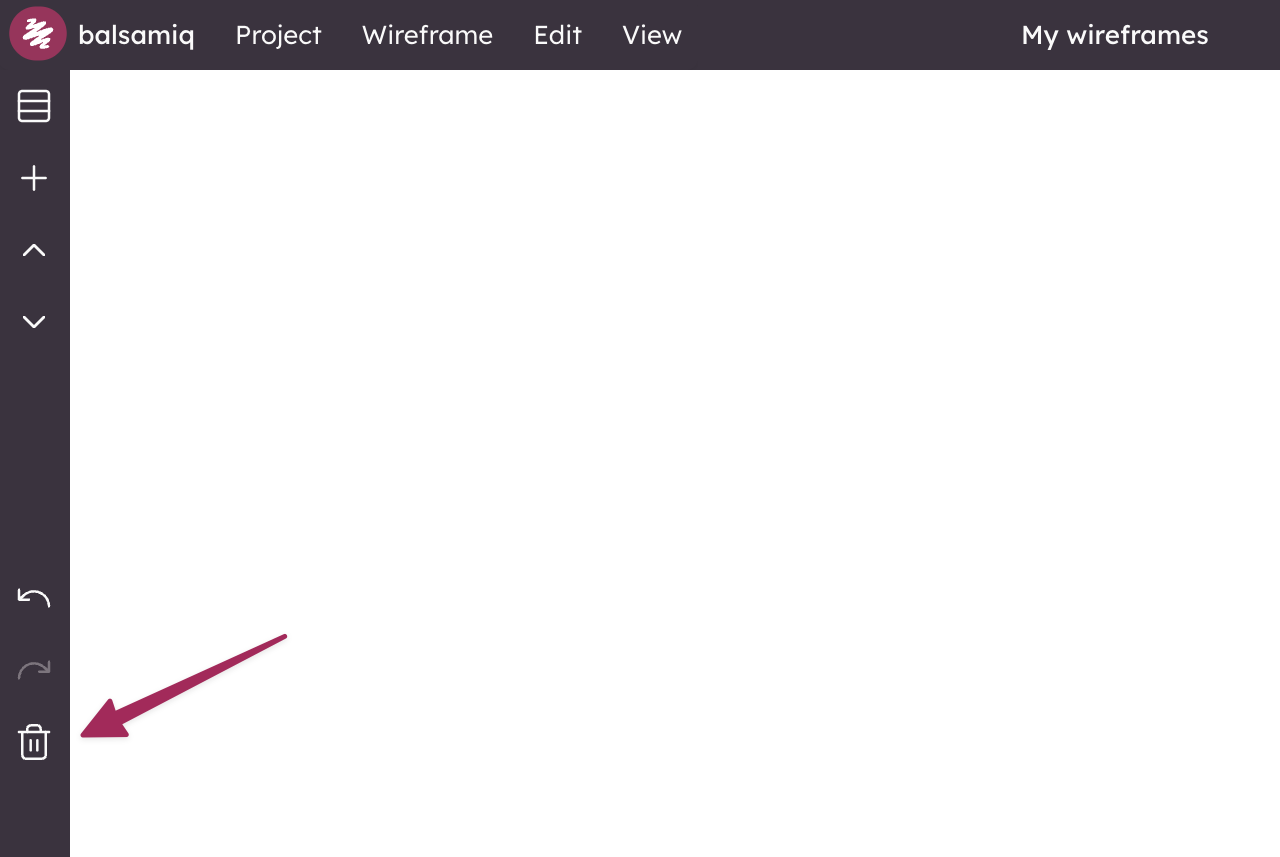
Note: The Trash icon only shows up if there are items in the Trash.
To recover a trashed item, click on the Trash icon in the bottom-right bar, select the desired item and click "Restore". The other options allow to delete the selected item permanently or empty the entire Trash.