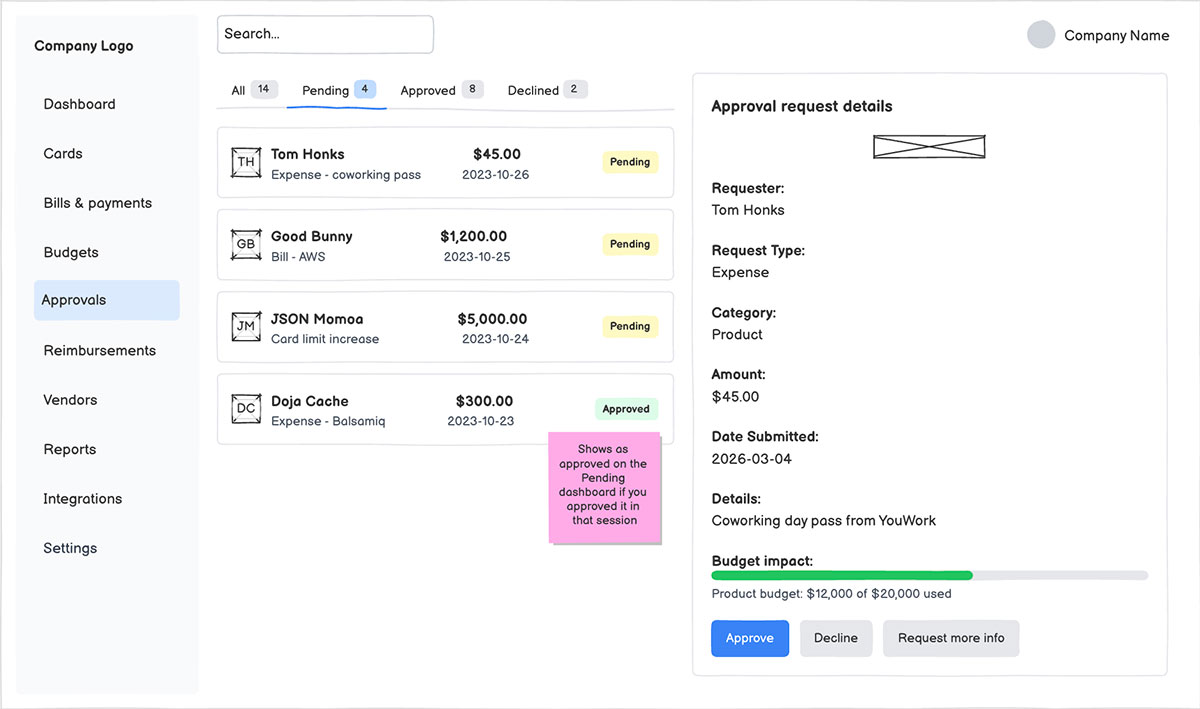
Trusted by top teams








Prototyping built for product builders.
From wireframe to clickable in one click
Select your screens, hit Generate prototype, and Balsamiq AI does the rest. What used to take six minutes in other tools takes about one in ours, and it actually looks like what you meant.
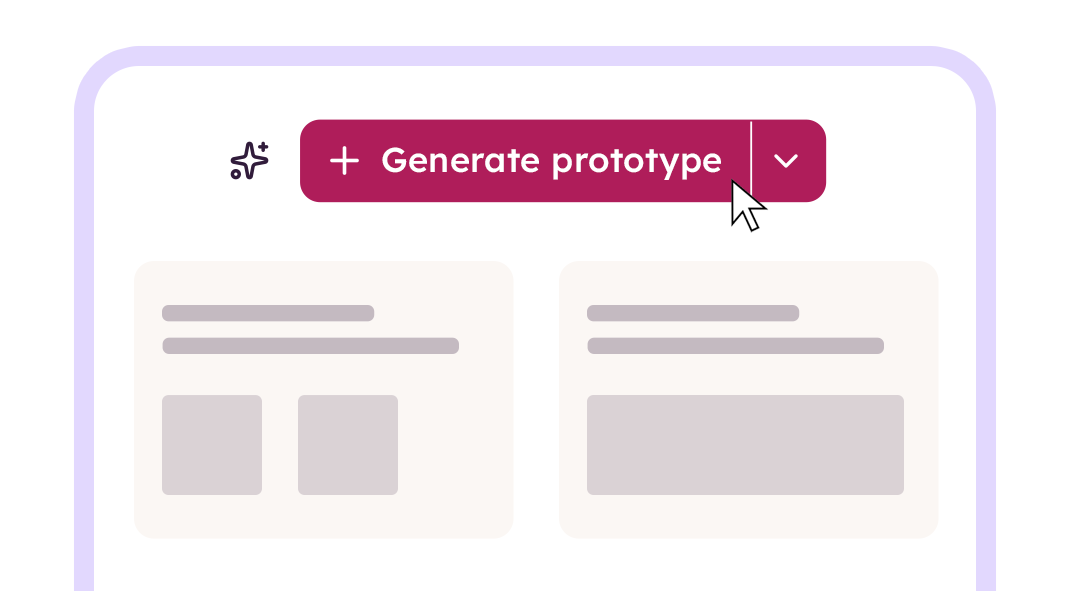
Iterate at the speed of your thinking
Edit the wireframe, regenerate the prototype. Edit the prototype, refine on the fly. Either way, you stay in the flow instead of fighting components, layers, or a coding agent that lost the plot three prompts ago.
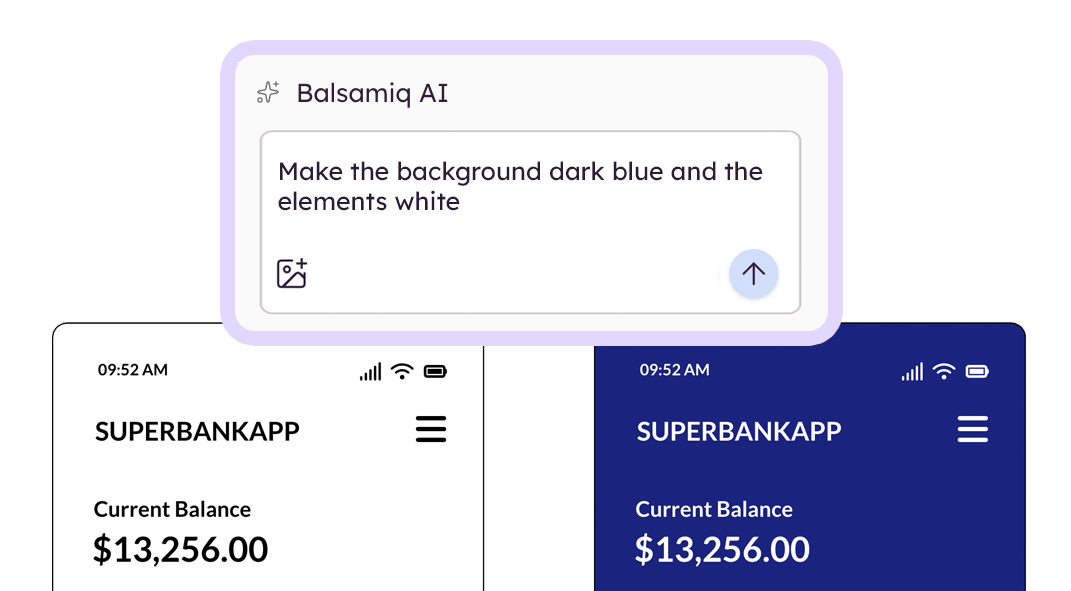
Real enough to test, rough enough to change
Share a link, watch users click through, and find out if your flow actually makes sense before engineers write code you'll have to throw away. Validation in days, not sprints.
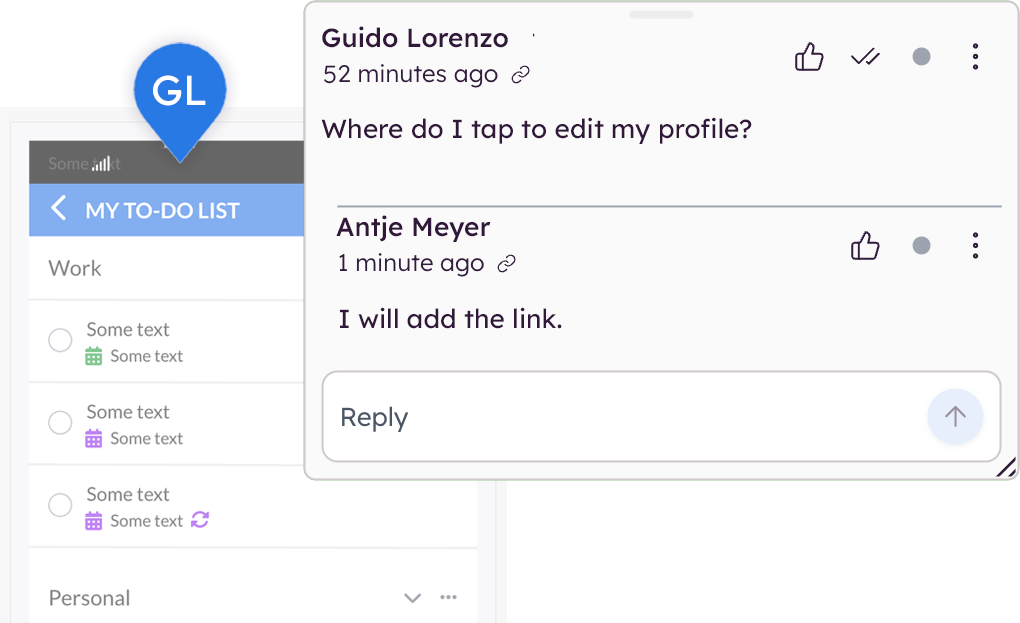
Hands off to whoever (or whatever) builds
Drop the prototype into Notion, Jira, or Linear. Or pipe it straight to Claude, ChatGPT, and Cursor through our MCP server. Your prototype becomes the prompt, the spec, the brief, all in one.
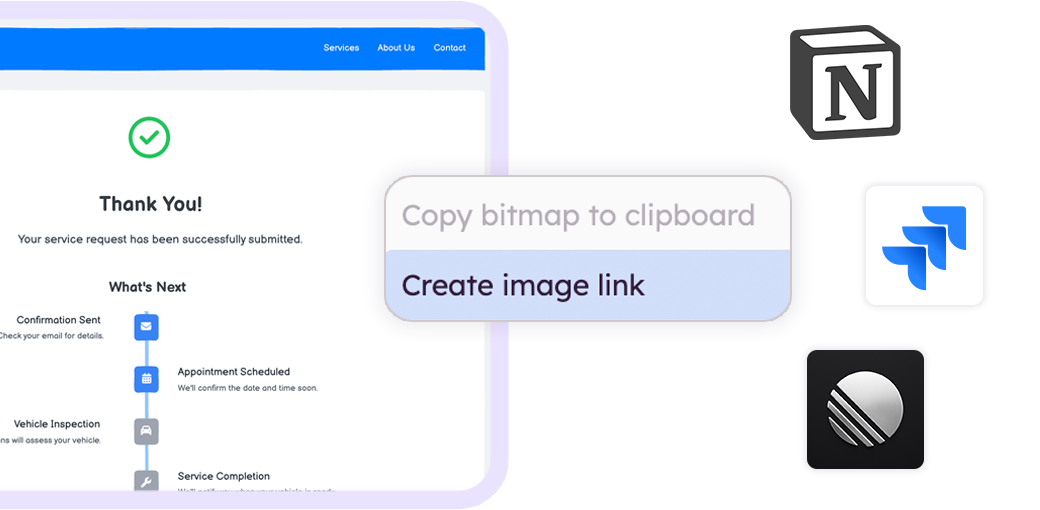
From "what if" to "yes, build exactly this."
This is the workflow we built prototyping around. Start rough on purpose, prove the idea is right, then hand off something your team can actually build from.
Wireframe the flow.
Sketch it yourself or describe it to Balsamiq AI and get an editable wireframe in seconds. Keep it low-fi so the conversation stays on what matters: is this even the right thing to build?

Generate a prototype.
Select your screens and click once. Balsamiq AI turns the whole flow into a clickable prototype your team can experience, share, and react to. Iterate until everyone says "yes, build exactly this."
Ship the validated design.
Send the prototype to engineering as a working spec, drop the board URL into your AI coding tool of choice, or export the HTML directly. Better thinking in, better code out.
Your prototype becomes the prompt.
Balsamiq's MCP server connects your boards to Claude, ChatGPT, Cursor, and any AI tool that speaks MCP. Setup takes about 60 seconds.
Stop re-explaining your design to a chatbot.
Read, edit, and build on your Balsamiq projects with Claude, Cursor, or other MCP-compatible tools. Use the Balsamiq MCP server to improve your wireframes, generate user stories, write a QA plan, surface missing edge cases, or generate production code.
Set up the MCP server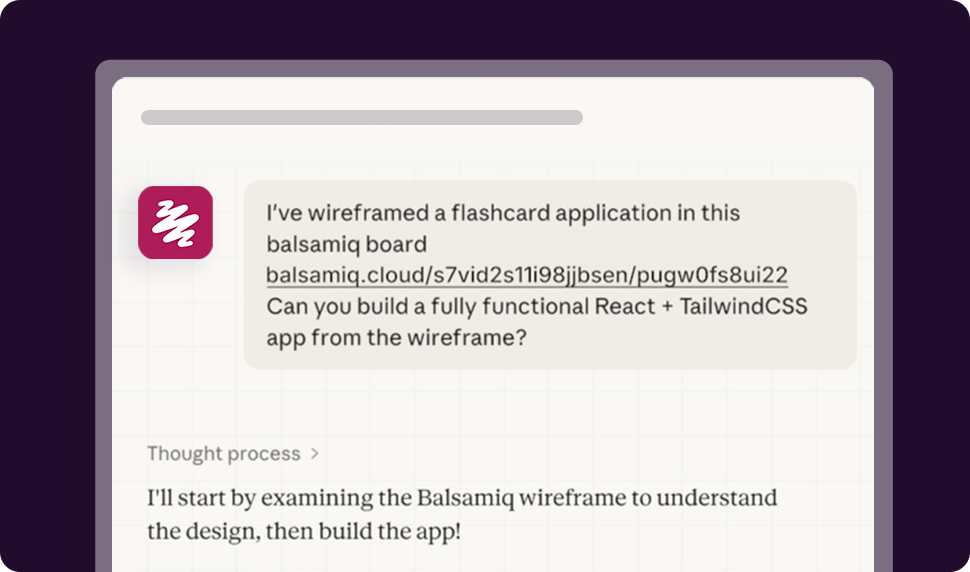
FAQs
How long does it take to generate a prototype?
Roughly a minute for a typical user flow, depending on size. Other prototyping tools take five to ten times longer to get to something comparable, and you usually have to fight the tool to get there.
Can I edit the prototype after I generate it?
Yes, in two ways. You can edit the underlying wireframe and regenerate the prototype, or you can refine the prototype directly. Either way, you stay focused on the experience instead of getting stuck on individual pixels.
Do I need design skills to prototype in Balsamiq?
No. If you can describe a screen or sketch a rough idea, you can ship a prototype. No prompt engineering, no Figma certification, no design system to wrangle.
Is the prototype actually interactive, or just linked screens?
Actually interactive. Buttons respond, sliders move, navigation works. It's not production code, but it looks and feels real enough to put in front of a user, a stakeholder, or a skeptical exec.
What can I do with the prototype once it's generated?
Share a link, switch the layout (mobile, tablet, desktop) with one click, open it in dedicated viewer mode, or download it as raw HTML. It's yours to test, present, or hand to engineering.
Will my developers actually use the prototype?
That's the whole point. The prototype clarifies intent better than a doc, faster than a meeting, and more accurately than a prompt. Pair it with the MCP server and your AI coding tool can read it directly, so the design you validated is the design that gets built.